Are you a React developer feeling frustrated by using that same old code editor every day and now want to explore some new and unheard editors? You can use React IDE to help you out with such problems.
What is React IDE?
Using a code editor or a react IDE that has a sufficient amount of features you need and that fits perfectly into your own workflow is important for the entire work.
In this article, we have compiled the top 10 IDEs and editors on which you can get your hands as a React developer with ample support for the JavaScript ecosystem and the features they provide.
Enjoy the read!
1. Visual Studio Code (VS Code)
What is it?
- Visual Studio Code(VS Code) is a free source-code editor made by Microsoft for Windows, Linux, and macOS.

This react IDE has integrated Git version control and Terminal. It has a very large plugin ecosystem where you can find thousands of helper tools that work best for your tech stack and project.
Chances are you are already using and loving this editor. In the Stack Overflow 2021 Developer Survey, VS Code was ranked the most popular developer environment tool.
Top Features:
- IntelliSense: it provides you with better and smart code completions based on variable types, function definitions, and imported modules.
- Debugging: you can directly launch the debugger with breakpoints, call stacks, and more without ever leaving the editor.
- Git integration: you can easily review diffs, stage files, and make commits right from the editor.
- Extensible and customizable: with its extensions gallery you can add new languages, themes, and debuggers, and connect to additional services.
2. WebStorm
What is it?
- WebStorm is a full-blown IDE made by JetBrains for web, JavaScript, and TypeScript development.
With this react IDE, you can expect everything and more of what an IDE should provide to a React developer. It runs dozens of code inspections as you type your code and detects potential problems in it.
It has smart code completion, on-the-fly error detection, powerful navigation, and refactoring. This comes with built-in support for all web-related technologies like JavaScript, TypeScript, React, Vue, Angular, Node.js, HTML, or style sheets, etc.

Top Features:
- Smart code refactoring: it autocompletes your code, and detects and suggests fixes for errors and redundancies.
- Powerful dev tools: it comes with all the linters, build tools, terminal, and HTTP client to test and debug your web applications.
- Code navigation: in just one place you can look for files, classes, or symbols, and review all the code matches.
- Collaboration support: you can easily onboard your team members and other developers. WebStorm supports real-time code collaboration with sharing code styles, settings and even joining on a call!
3. Atom
What is it?
- Atom is a free and open-source ‘hackable’ code editor for customizing almost anything without touching its config file. It was made by GitHub.
This react IDE has a highly customizable environment and ease of installation. So if you are someone who wants to quickly set up a new React project without worrying about multiple steps of installation etc, then Atom may be a good choice.

Top Features:
- Teletype: this is one of the highlight features of Atom as it allows you to share your entire workspace and edit code together in real-time.
- Full GitHub support: as it’s already bundled so you get to create new branches, stage and commit, push and pull, resolve merge conflicts, view pull requests, etc right out of the box!
- Built-in package manager: whether it’s about searching for your favorite package for that code library or if you want to be a pro by making your own, Atom has it all!
- File system browser: with this, it becomes easy to open your main file while browsing all of the existing ones from a single window.
4. Sublime Text
What is it?
- Sublime Text is a popular commercial code editor which natively supports many programming languages.
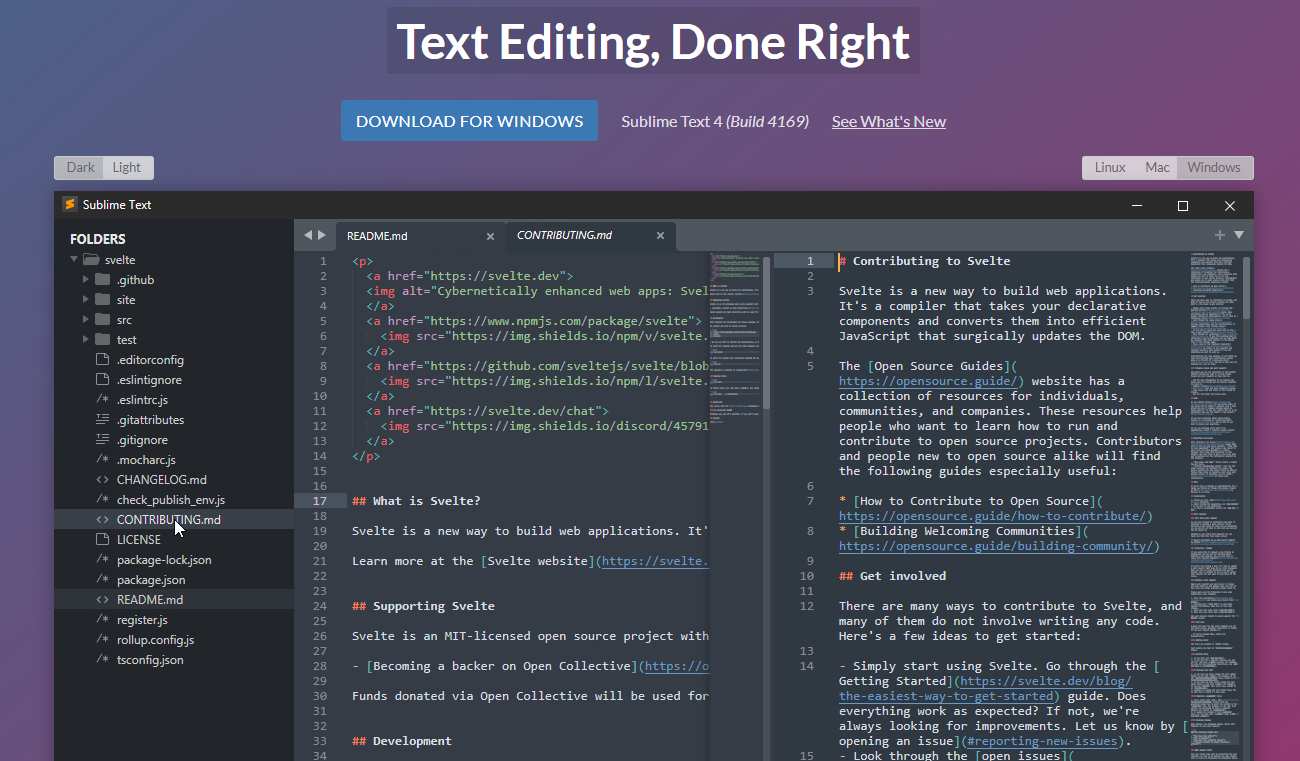
No code editor talk can be finished without the mention of Sublime Text. It’s one of the most used editors in the world thanks to its slick interface, amazing features, and top-notch performance.
All the projects in Sublime Text capture the full contents of the workspace, including modified and unsaved files.
Top Features:
- Split panes and navigation: use a simple modifier when performing actions that will split the interface to show multiple tabs at once.
- Code definitions: it comes with features like Goto Definition, Goto Reference, and Goto Symbol by which you can explore the full definition in a small popup.
- Multiple selections: use keyboard shortcuts like ⌘+D to select the next occurrence of the current word, ⌘+K, ⌘+D to skip an occurrence.
- React/JS file support: TypeScript support comes by default with syntax-based features for all React and JS/JSX files.
5. Reactide
What is it?
- Reactide(or React-IDE) is the first dedicated IDE for React web application development.
This react IDE is a cross-platform desktop application that offers a custom simulator, making build-tool and server configuration unnecessary. Now you can simply reply on a single window for all of your code, browser preview, and more.

If you get carried out while writing the React JSX code along with multiple browser windows then Reactide is here to help. It combines everything in one single place so that all the focus is on writing and reviewing the code.
Top Features:
- Intuitive interface: this is probably one of the biggest strengths of Reactide when compared with others. It runs an integrated Node server and custom browser simulator and you can continually track changes through live reloading directly in the development environment.
- State flow visualization: it comes with a visual component tree that dynamically loads and changes based on components within the working directory while giving information about props and states at every component.
- Integrated Terminal: the built-in Terminal can be used for running commands in bin/bash for Unix, and cmd for Windows.
- Streamlined configurations: to start, just input your .js and .html entry points inside Reactide’s universal configuration and then run npm run reactide-server to kick off your project.
6. Emacs
What is it?
- GNU Emacs is an extensible, customizable, free/libre text editor. It was created by the GNU Project.
One of the very highly adopted editors in the GNU world, Emacs has an interpreter for Emacs Lisp, a dialect of the Lisp programming language with extensions to support text editing.

It supports a plethora of programming languages and other faculties of text editing. This also comes with a good and robust set of extensions and other features like Git integration, syntax highlighting, etc.
Top Features:
- Content-aware editing modes: this includes syntax coloring, for many file types.
- More than code editing: you can use the project planner, mail and news reader, debugger interface, calendar, IRC client, and more.
- Extensive extension support: comes with a packaging system for downloading and installing extensions.
7. Rekit Studio
What is it?
- Rekit is a toolkit for building scalable web applications with React, Redux, and React-router. It’s an all-in-one solution for creating modern React apps.
This react IDE provides you with the capability for code generation, dependency diagraming, refactoring, building, unit tests, and a meaningful way to navigate code.
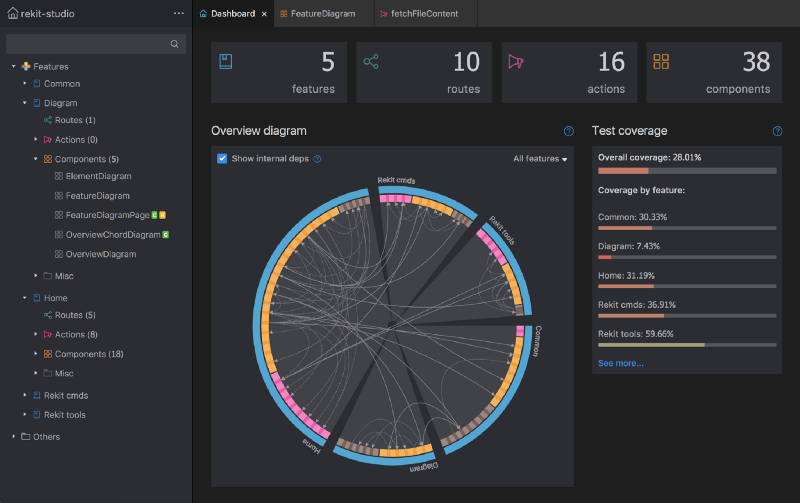
Rekit creates applications bootstrapped by the Create React App tool and has the capability to scale, test, and maintain easily.
Top Features:
- It helps you focus on business logic rather than dealing with massive libraries, patterns, configurations, etc.
- Comes with powerful tools like Rekit Studio which is the real IDE for React/Redux development and command line tools to create/rename/move/delete project elements like components, actions, etc.
- Rekit can do code generation, dependency diagraming, refactoring, building, unit tests, and a meaningful way to navigate code.
- It’s highly capable of recognizing which files are components, which are actions, where routing rules are defined, and so on.
8. Vim
What is it?
- Vim is a highly configurable text editor built to make creating and changing any kind of text very efficient.
This react IDE is a free and open-source, screen-based text editor program for Unix. The good part is Vim is designed for use both from a command-line interface and as a standalone application in a graphical user interface.

Vim has 12 different editing modes, 6 of which are variants of the 6 basic modes. Some of the common ones are Normal, Visual, Insert, Cmdlibe, etc.
Top Features:
- Key mappings: you can execute complex commands with “key mappings,” which can be customized and extended.
- Recording: this allows for the creation of macros to automate sequences of keystrokes and call internal or user-defined functions and mappings.
- Extensive: it comes with a persistent, multi-level undo tree along with an extensive plugin system.
- Support: Vim supports hundreds of programming languages and file formats. It can also be integrated into various other tools easily.
9. NetBeans
What is it?
- Apache NetBeans is a development environment, tooling platform, and application framework.
This react IDE allows applications to be developed from a set of modular software components called modules. It was originally used for making Java applications but now has extensive support for all major tools and technologies including PHP, C, C++, HTML5, and JavaScript.
The IDE provides editors, wizards, and templates to help you create applications in Java, PHP, and many other languages.
Top Features:
- Fast and smart editing: it highlights source code both syntactically and semantically, and lets you easily refactor code, with a range of handy and powerful tools.
- CSS editor: this comes with code completion for style names, quick navigation through the navigator panel, displaying the CSS rule declaration in a ListView, and file structure in a Tree View.
- Modular: each module provides a well-defined function, such as support for editing, or support for the CVS versioning system.
- JavaScript editor: it has syntax highlighting, refactoring, code completion for native objects and functions, generation of JavaScript class skeletons, and generation of Ajax callbacks from a template.
10. Notepad++
What is it?
- Notepad++ is a free source code editor and Notepad replacement that supports several languages.
This react IDE is written in C++ and uses pure Win32 API and STL which ensures a higher execution speed and smaller program size. It supports tabbed editing, which allows working with multiple open files in a single window.

It features all the common editing tools like syntax highlighting, code folding, and limited autocompletion for programming, scripting, and markup languages, but not intelligent code completion or syntax checking.
Top Features:
- Collaborative editing: this allows multiple developers to work on the same file simultaneously while on different computers.
- Selection methods: it has support for various methods for text selection like block selection, column selection, and non-linear selection.
- Macros: for recording a sequence of editing commands to be executed repeatedly.
- Other notable features include; advanced find and replace, split-screen editing/viewing, support for bookmarks, and a plugin system.
11. Codux
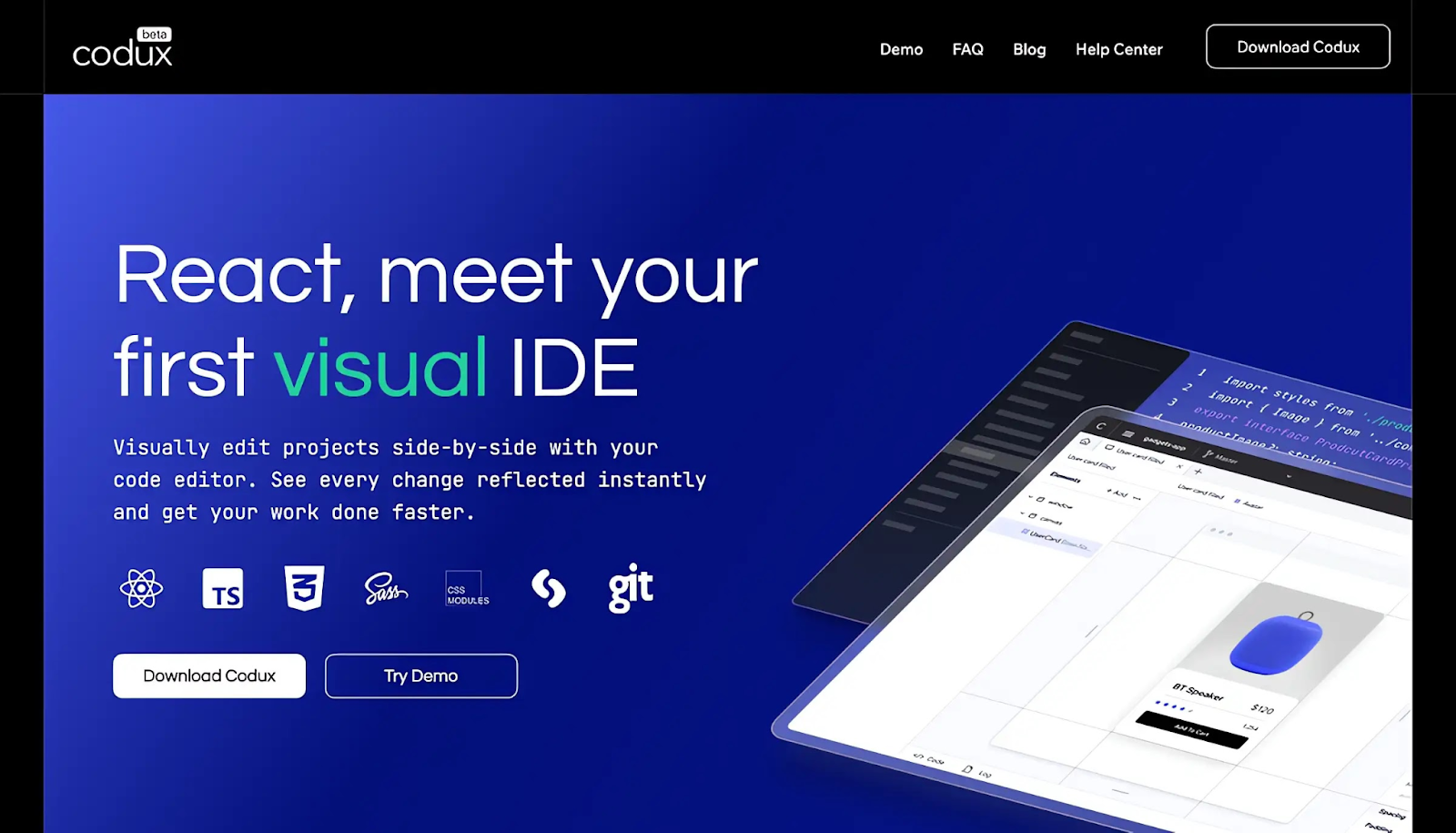
Codux is a new visual IDE brought to you by the fine folks over at Wix, React IDE for developers. It is a powerful editor for building React applications with a visual-first approach, enabling developers and designers to collaborate seamlessly on web no need to install any extra setup.
12. CodeSandbox
CodeSandbox is a web based React IDE for developers, especially those working with JavaScript frameworks like React.js and React Native.
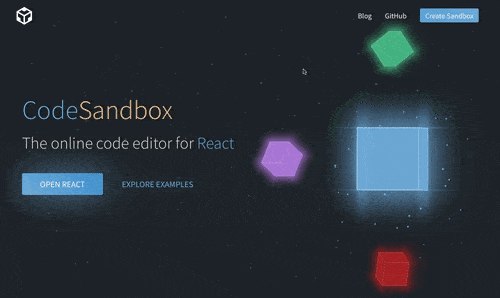
Here are some of the key features and benefits of using CodeSandbox:
Key Features and Benefits
- Browser-Based IDE:
No Installation Needed: Developers can start coding right away without needing to install React.js, React Native, or other dependencies on their local machines.
Accessibility: Being browser-based, CodeSandbox can be accessed from any machine with an internet connection, making remote or collaborative work easier. - Template Support:
Built-in Templates: CodeSandbox offers a variety of templates to start with, such as React with TypeScript, Next.js, Vue.js, Angular, and more.
Enhanced Functionality: These templates provide a solid starting point and leverage best practices, helping developers kickstart their projects efficiently. - TypeScript Integration:Type Safety: Using templates like React with TypeScript helps catch type errors and reduces the risk of assigning incorrect types to variables. This leads to more robust and maintainable code.
Autocompletion and IntelliSense: TypeScript integration provides better autocompletion and IntelliSense, improving the developer experience. - Built-in Preview Window:
Real-Time Feedback: As developers type, the built-in preview window updates in real-time, giving immediate feedback on how changes affect the application.
Better Understanding: This helps developers quickly understand the impact of their code, speeding up the development cycle and reducing the need for frequent context-switching. - Live Collaboration:
Pair Programming: CodeSandbox supports live collaboration, allowing multiple developers to work on the same codebase simultaneously.
Code Reviews: Teammates can review code and provide feedback in real time, enhancing team productivity and collaboration. - Deployment and Hosting:
Easy Deployment: CodeSandbox offers easy deployment options through integrations with platforms like Vercel and Netlify, making it straightforward to deploy and share projects.
Static and Dynamic Hosting: It supports both static and dynamic hosting needs, making it versatile for different types of projects. - Version Control:
GitHub Integration: CodeSandbox integrates with GitHub, allowing developers to sync their projects with repositories and manage version control effectively.
Version History: It maintains a history of changes, making it easy to revert to previous states if needed.
One can create impressive dashboard templates and themes by utilizing integrated development environments (IDEs). “Modernize React MUI Dashboard Theme” can provide excellent inspiration for designing such templates.
You can also check the demo of Modernize React MUI Dashboard Theme

We hope you liked this set of top 10 React IDE that you can use. If you like this post you’ll also like our free react templates that will help you out in building amazing react websites and applications. Let us know which one are you currently using and which one you will use after reading this article. Happy coding! We have a designed and developed free and premium react templates which you can use to build your react based web applications.


